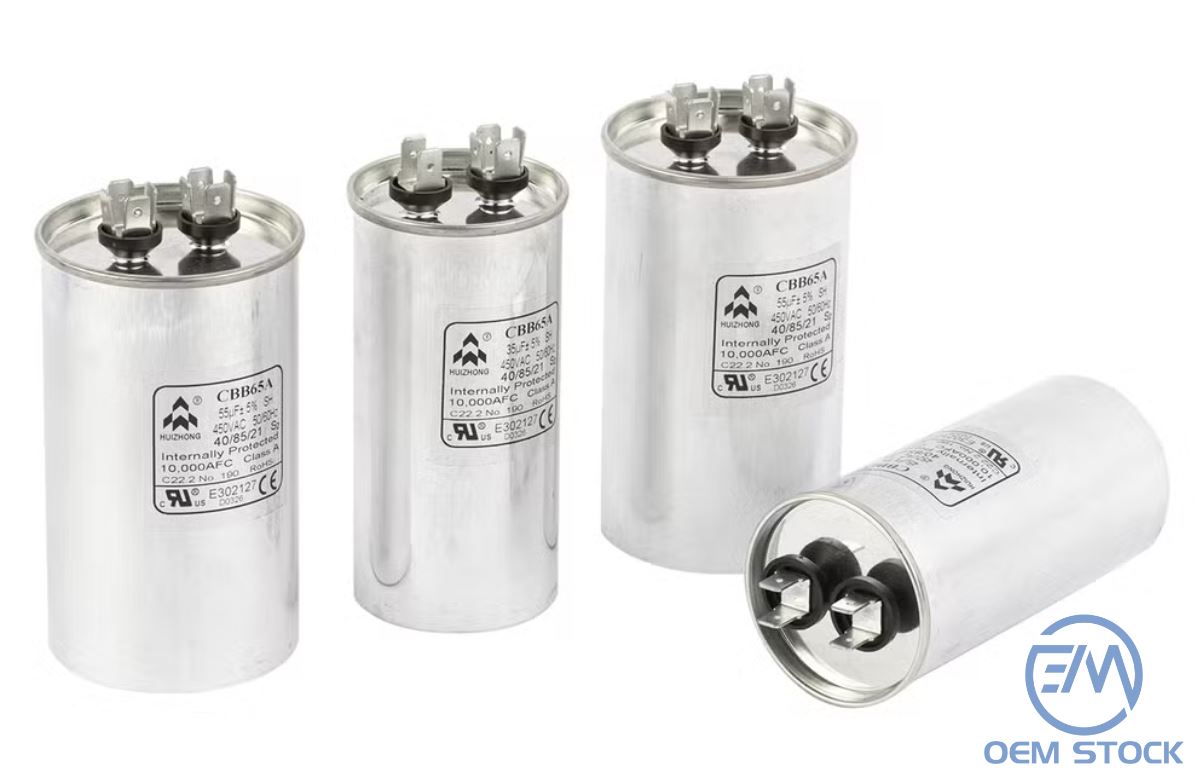
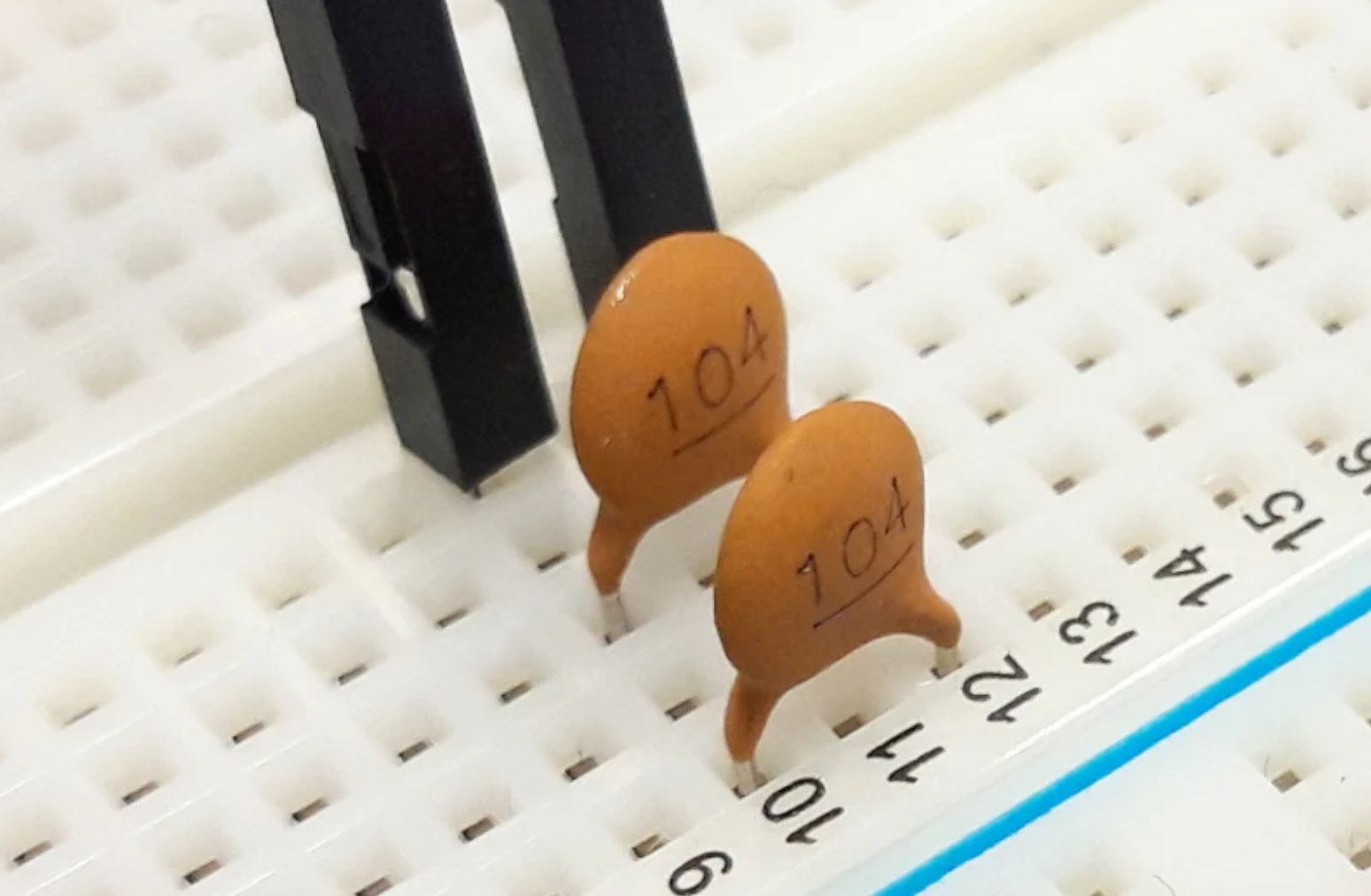
An AC capacitor stores and releases electrical energy to help HVAC motors start and run efficiently. Think of it as a short-burst battery that delivers a jolt at startup and stabilizes voltage during operation.
Start capacitor: Gives the compressor or fan motor the initial surge to start spinning.
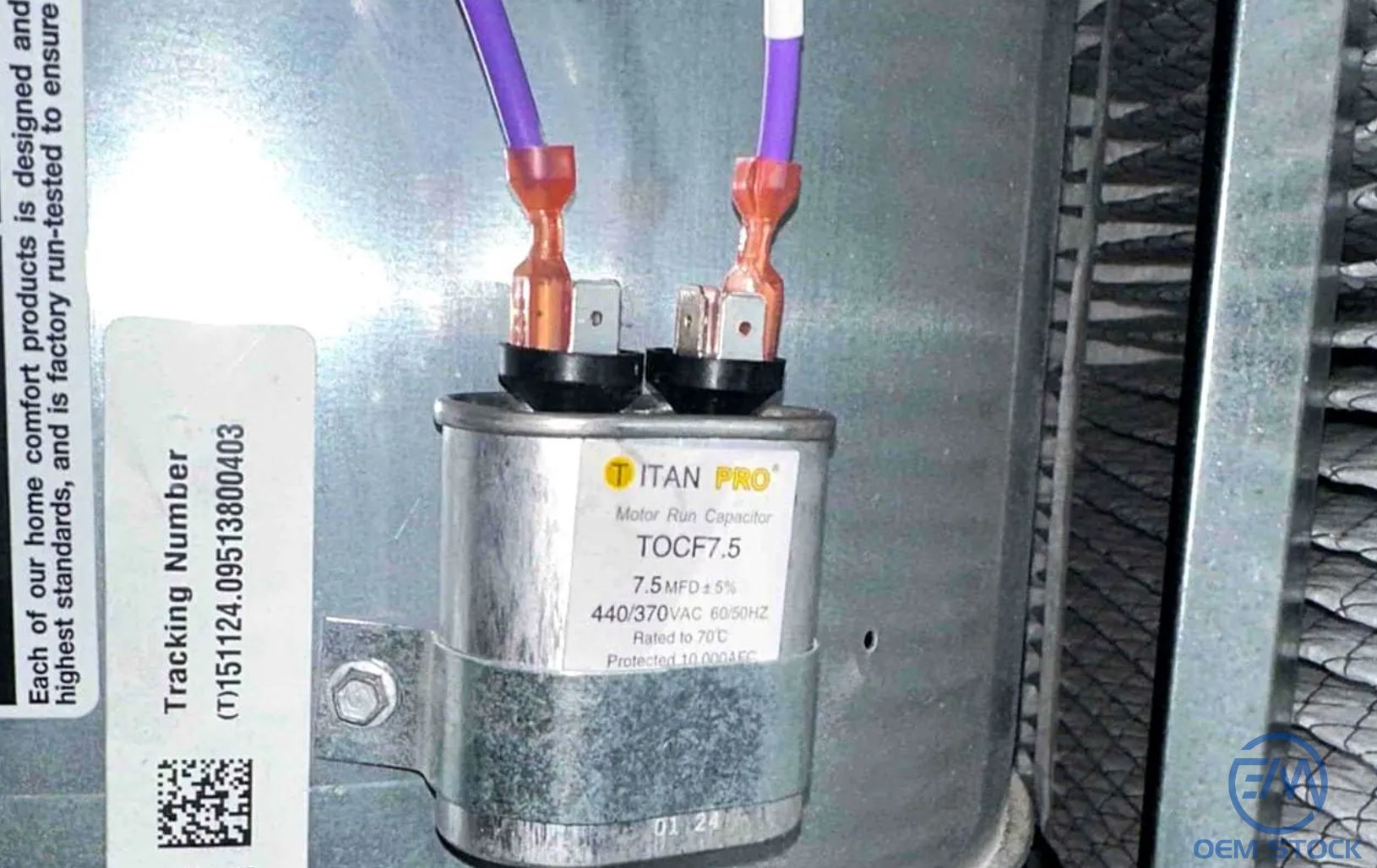
Run capacitor: Maintains a steady phase shift and voltage so the motor runs smoothly and efficiently.
Without a healthy capacitor, motors can stall, overheat, or draw excessive current-risking damage to expensive parts like the compressor.
Common Signs of a Bad Capacitor
AC won't start, or starts and stops quickly (short cycling).
Humming sound from the outdoor unit but the fan doesn't spin.
Blowing warm air despite the system running.
Bulging or domed top, rusted terminals, or visible oil leakage.
Electrical or burning odor near the condenser.
Pro tip: If the fan blade can be started by gently nudging it with a stick (never your hand) and then runs-your run capacitor may be weak.
Safety Precautions
Capacitors can hold a dangerous charge even when power is off. Follow these precautions before touching anything:
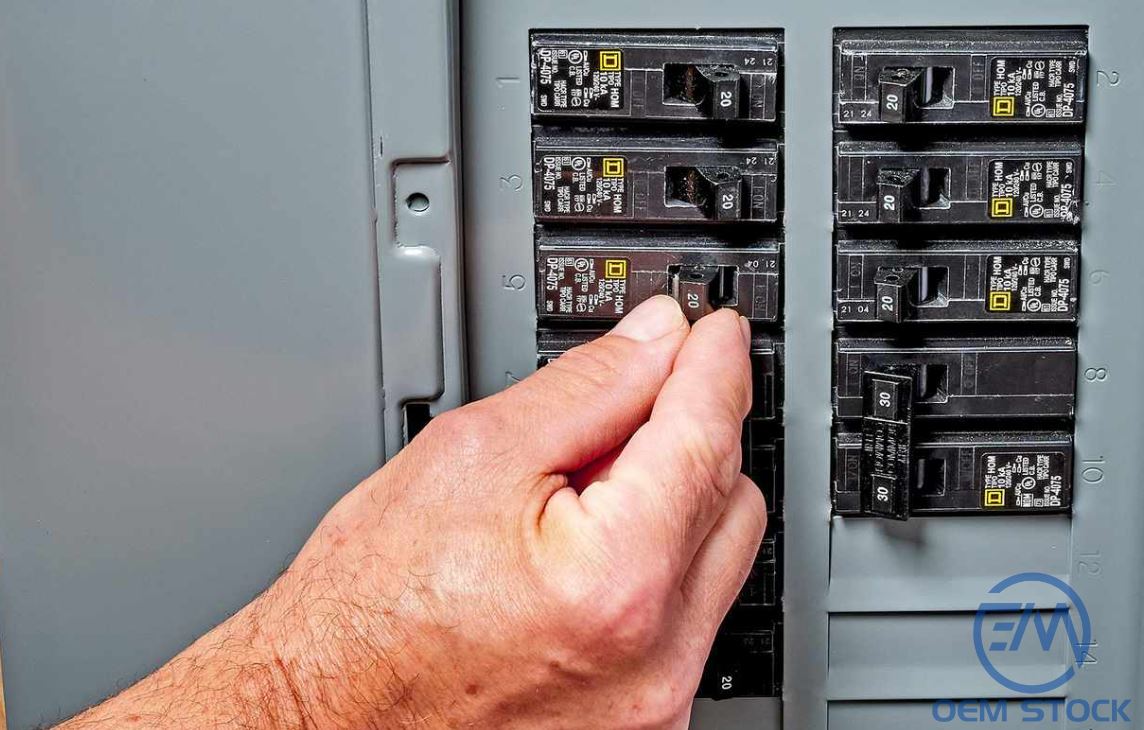
Kill power: Set the thermostat to Off, then switch off the outdoor unit's breaker.
Discharge safely: Use an insulated screwdriver to short C to FAN, and C to HERM.
Insulated tools & PPE: Wear safety glasses and insulated gloves; use insulated pliers.
No bare hands: Do not touch terminals directly.
Tools You'll Need
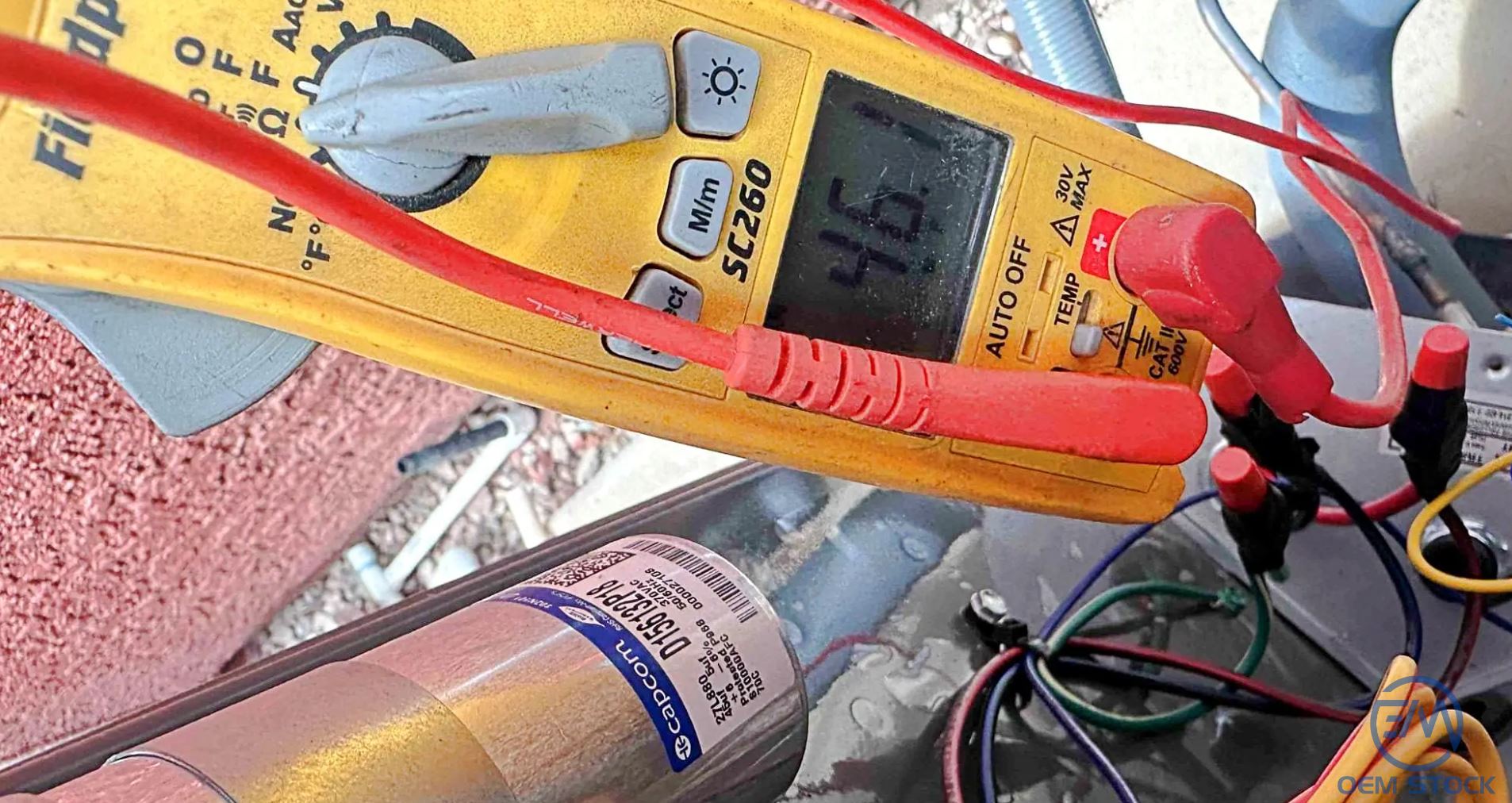
Digital multimeter with capacitance (µF) function
Insulated screwdriver
Needle-nose pliers
Phone or labels (to mark wire positions)
Safety glasses and insulated gloves
Step-by-Step: How to Test an AC Capacitor
Step 1: Turn Off Power
At the main panel, switch off the breaker feeding the condenser. Confirm the system stays off by setting the thermostat to Cool; the unit should not engage.
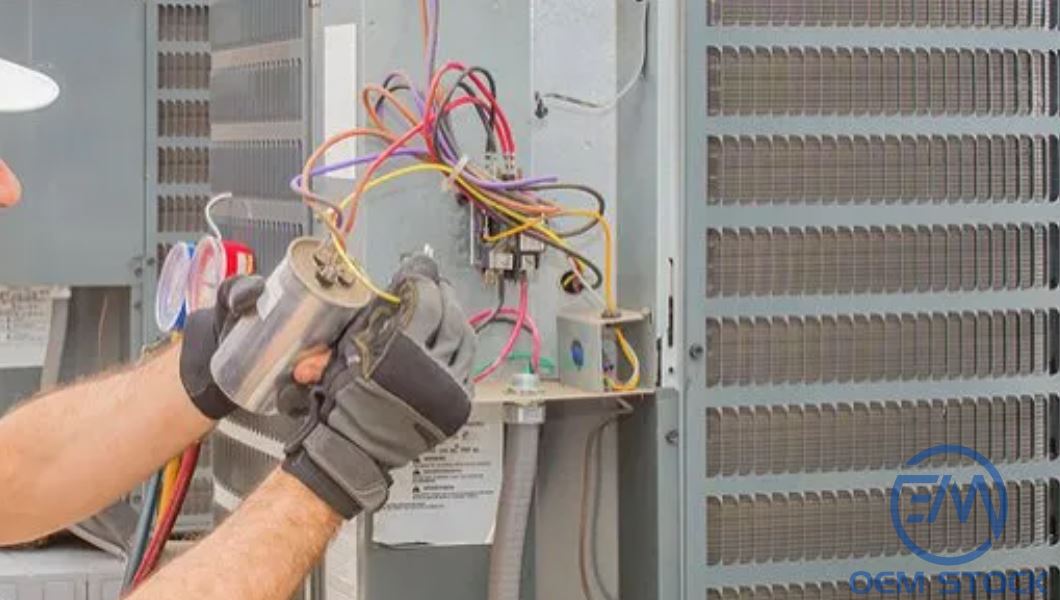
Step 2: Locate the Capacitor
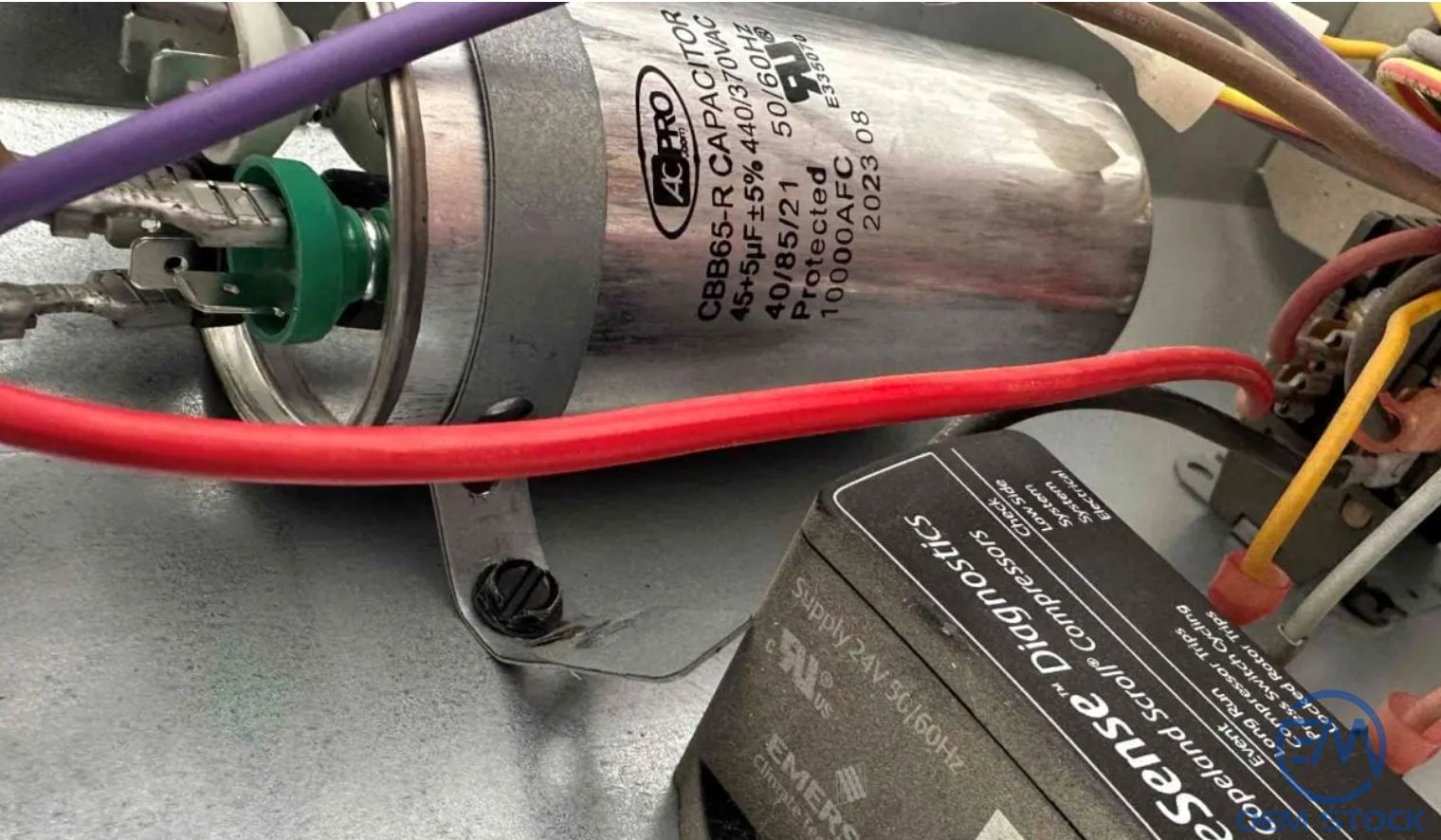
Remove the condenser's access panel. The capacitor is usually a cylindrical or oval metal can with three labeled terminals:
C - Common
FAN - Fan motor
HERM - Compressor (hermetic)
Step 3: Discharge the Capacitor
Hold the insulated screwdriver by the handle and briefly bridge C to FAN and then C to HERM to release stored energy. Wait a few seconds.
Step 4: Disconnect Wires
Photograph the wiring or mark each lead (C, FAN, HERM). Use pliers to remove the push-on connectors gently-avoid bending the spades.
Step 5: Set the Multimeter
Turn the dial to the capacitance setting (µF). If unavailable, a resistance check can show charge/discharge behavior but won't give an exact value.
Step 6: Measure Capacitance
For a dual run capacitor, measure:
C to FAN (fan section)
C to HERM (compressor section)
Compare readings to the label (e.g., 40/5 µF ±6%). A common rule is that values more than 10% below rating indicate a weak capacitor; zero or erratic readings indicate failure.
Example: 40 µF section is acceptable roughly from 36–44 µF (depending on tolerance). A reading of 32 µF means replacement time.
Step 7: Inspect for Damage
Even with good readings, visible issues (bulging, oil residue, corrosion, melted insulation) signal imminent failure.
Step 8: Reconnect & Test
Reconnect wires to their terminals (C, FAN, HERM) firmly, reinstall the access panel, restore power, and set the thermostat to Cool. The fan should start smoothly and cool air should return within minutes.
When & How to Replace
If readings are out of spec or the can is deformed/leaking, replace the capacitor promptly to protect your compressor.
Voltage: Match or exceed (e.g., 370V → OK to use 440V rated).
Capacitance: Must match exactly (e.g., 40 µF; fan side 5 µF).
Form factor: Same shape/size improves fitment and wiring reach.
Heat & environment: High ambient temperatures accelerate dielectric breakdown.
Voltage spikes: Surges from storms or grid events cause internal arcing.
Hard starts: Heavy loads and frequent cycling stress the capacitor.
Low-quality parts: Poor construction shortens lifecycle.
Typical lifespan ranges from 5–10 years, depending on climate and duty cycle.
Maintenance Tips
Keep coils and the area around the condenser clean and unobstructed.
Schedule annual tune-ups that include capacitor checks.
Use whole-home surge protection where possible.
Consider proactive replacement for systems older than five years in harsh climates.
Frequently Asked Questions (FAQ)
1) What are the classic symptoms of a bad AC capacitor?
Humming without spinning, warm air, frequent resets, bulging or leaking can, and difficulty starting are the top signs.
2) Can I test a capacitor without a multimeter?
Visual checks help, but a multimeter with a capacitance function is the only reliable way to verify health.
3) Is it safe to handle a capacitor?
Yes, if you fully de-energize the unit, discharge the capacitor, and use insulated tools and PPE. Otherwise, call a pro.
4) What happens if I install the wrong value?
Undersized/oversized capacitance can overheat motors, reduce efficiency, and damage the compressor. Always match µF; equal or higher voltage rating is fine.
5) How much does replacement cost?
Parts typically cost $10–$40. Professional replacement with diagnostic/labor often runs $100–$300.
6) I replaced the capacitor but the AC still won't start-now what?
Next suspects include the contactor, fan motor, compressor, dual-run wiring, or a thermostat/control issue. Get a full diagnostic.
7) How often should I check the capacitor?
At least annually during preseason maintenance-more often in extreme heat or for older systems.


 Upload